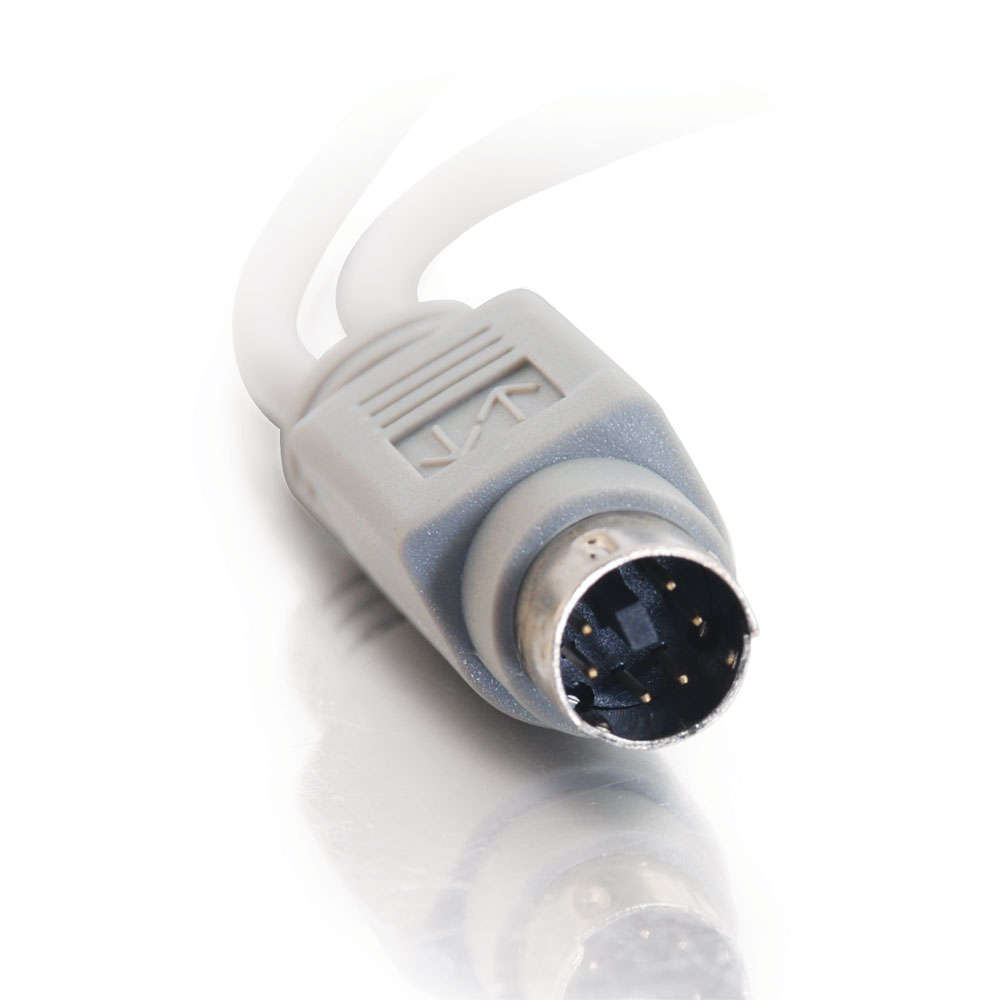
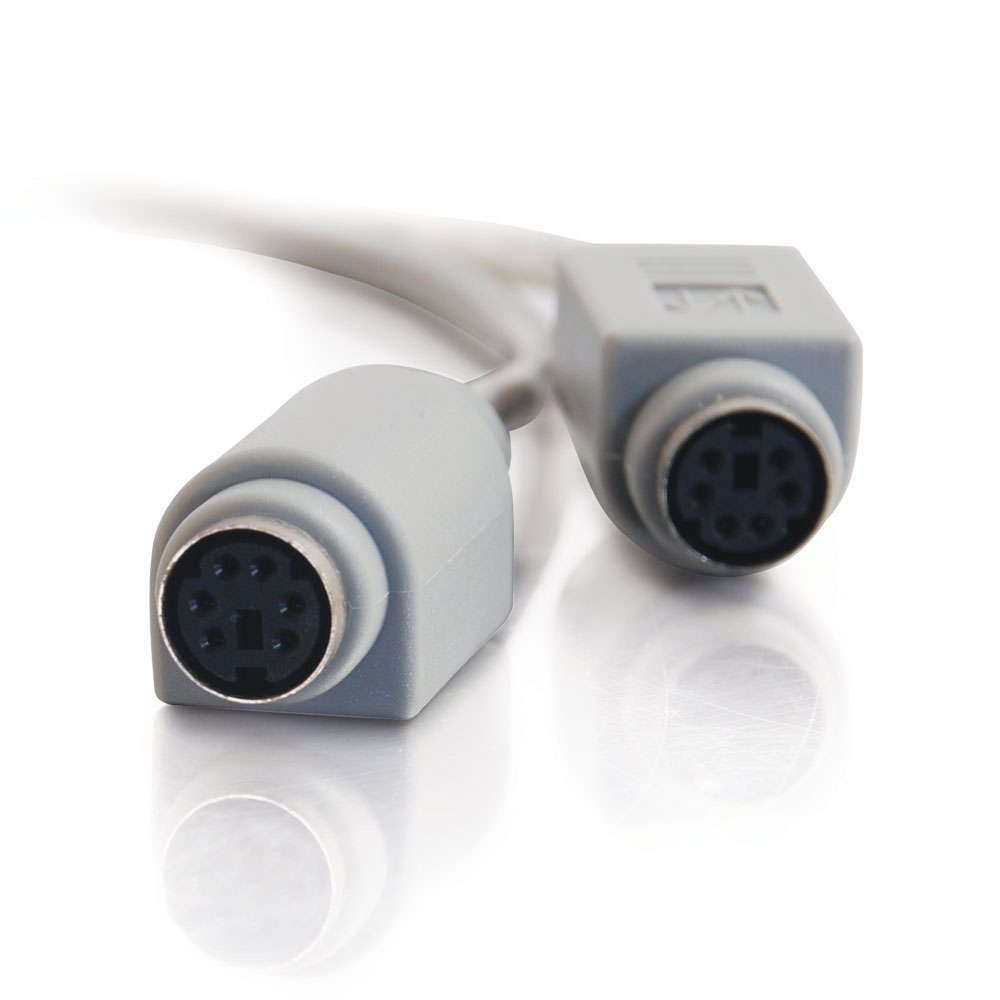
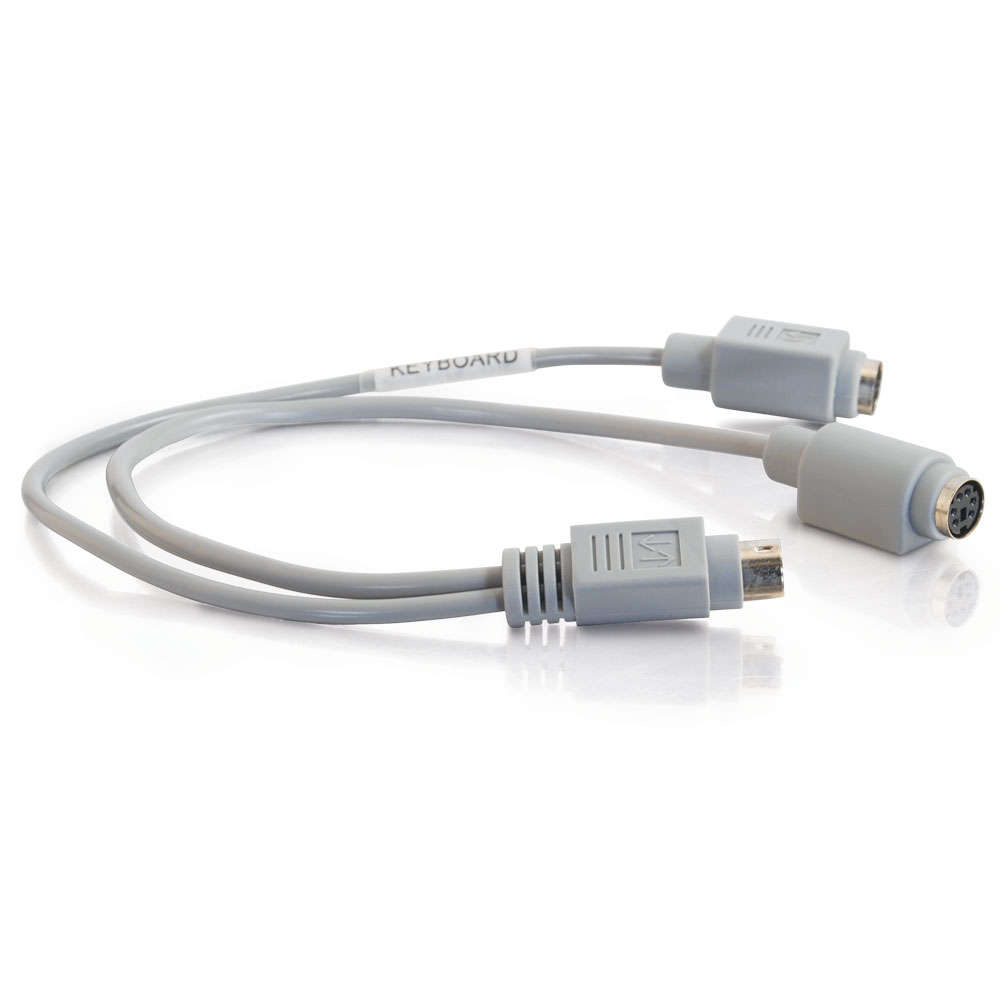
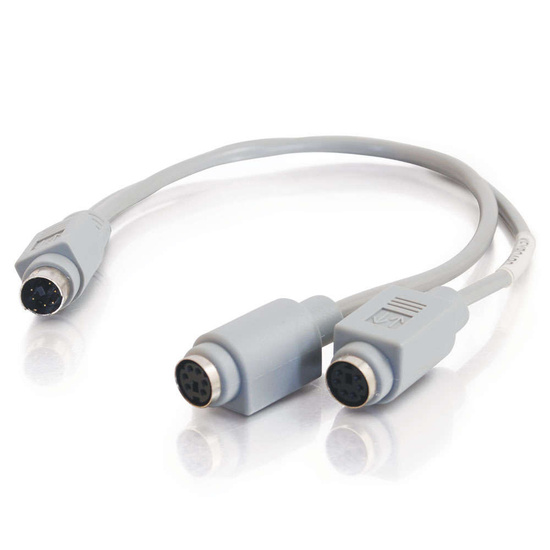
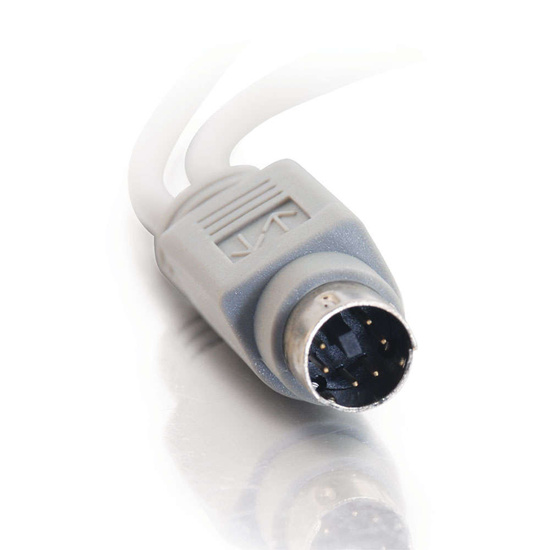
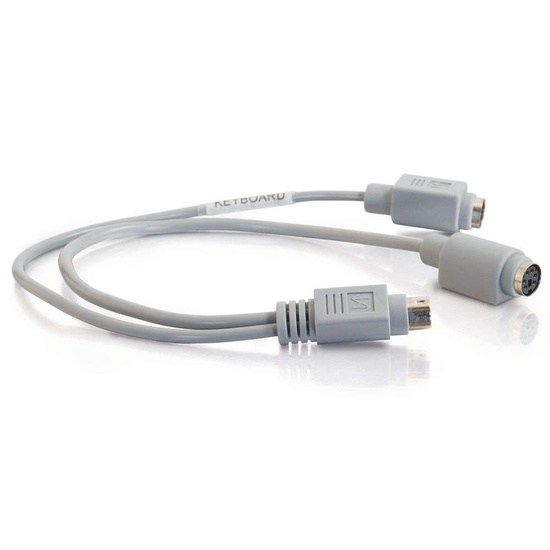
1ft One PS/2 Male to Two PS/2 Female Y-Cable
Thinkpad-compatible; split a PS/2 connection into two.
We Offer Same Day Shipping
Order by 4pm ET on weekdays, choose UPS Ground Shipping, and we'll ship that same day! For weekend/holiday orders, or weekdays orders after 4PM with UPS Ground Shipping, we'll ship your order the next business day. For More information, see our Shipping Tips.
Overview
Use this y-cable to connect an external full-size keyboard/mouse to the bus port of your Thinkpad. The short length takes little space yet allows 2 external connections to the Thinkpad's bus port. Plus, this cable is fully shielded for total noise suppression.
Connector 1: (1) PS/2 Male
Connector 2: (2) PS/2 Female
Product Specifications
| Color: | Grey |
|---|---|
| UPC: | 757120080176 |
| Warranty: | Lifetime |
| Vendor: | Cables To Go |
| Weight: | 0.090 LB |
| Length: | 1.00 Foot |
Reviews
Reviewed by 3 customers
Sort by
Displaying reviews 1-3
Pros
- Good Warranty
- Rugged
Cons
Best Uses
- High-End Equipment
Comments about C2G 1ft One PS/2 Male to Two PS/2 Female Y-Cable:
I am so glad I found out about CablesToGo. I have been desperately trying to find the cable I needed to support a single input with the proper Y connector, to my home recording studio. Could not find it anywhere at the retail stores. Thanks to this supplier I can now input my keyboard and a mouse at the single input of my recording unit. This option was available from the manufacturer, but they didn't include this cable.[...]Thank you so much. I'm a customer for life.
- Primary use:
- Personal
Pros
Cons
Best Uses
Comments about C2G 1ft One PS/2 Male to Two PS/2 Female Y-Cable:
This is the correct cable for connecting a PS2 keyboard and mouse to a single PS2 port on a PC or laptop computer.
- Primary use:
- Business
Pros
- Good Length
Cons
- Inconsistent Signal
Best Uses
Comments about C2G 1ft One PS/2 Male to Two PS/2 Female Y-Cable:
I was trying to use this ThinkPad y-adapter to get my T60 to run through the advanced port replicator to my PS/2 KVM switch. Unfortunately, the first adapter I got didn't work reliably. Cables-to-Go happily sent me another one. This one would frequently prevent the laptop from booting up. The laptop would hang on the IBM ThinkPad BIOS splash screen. All I had to do was unplug the keyboard from the y-adapter and the laptop would resume the POST and boot. I could then plug the keyboard back in and it would work fine from there. This doesn't quite work for me in my work environment, so I got a USB KVM switch instead.
- Primary use:
- Business
Displaying reviews 1-3


